

A standing desk lets you change position during the day, which cuts sitting time and can ease lower back discomfort for some people. Standing all day is not the goal: guidance points to alternating, for example the 20-8-2 pattern of 20 minutes sitting, 8 standing and 2 moving. The benefits are modest and depend on how you use the desk; where we cite a study, the link goes to the source. Ready to try one? Browse our standing desks.
No room for a new desk? A standing desk converter sits on the desk you already have.
1. Less time sitting
The clearest benefit is the simplest one: you sit less. In a 12-month trial published in The BMJ in 2018 (the SMArT Work study), office workers given sit-stand desks and support sat about 82 fewer minutes a day than the comparison group after a year (Edwardson et al., The BMJ, 2018).
2. Posture and back comfort
A standing desk lets you set the work surface to elbow height both sitting and standing, and it makes it easy to change position instead of holding one posture for hours. It does not fix posture on its own; screen height and chair setup matter as much.
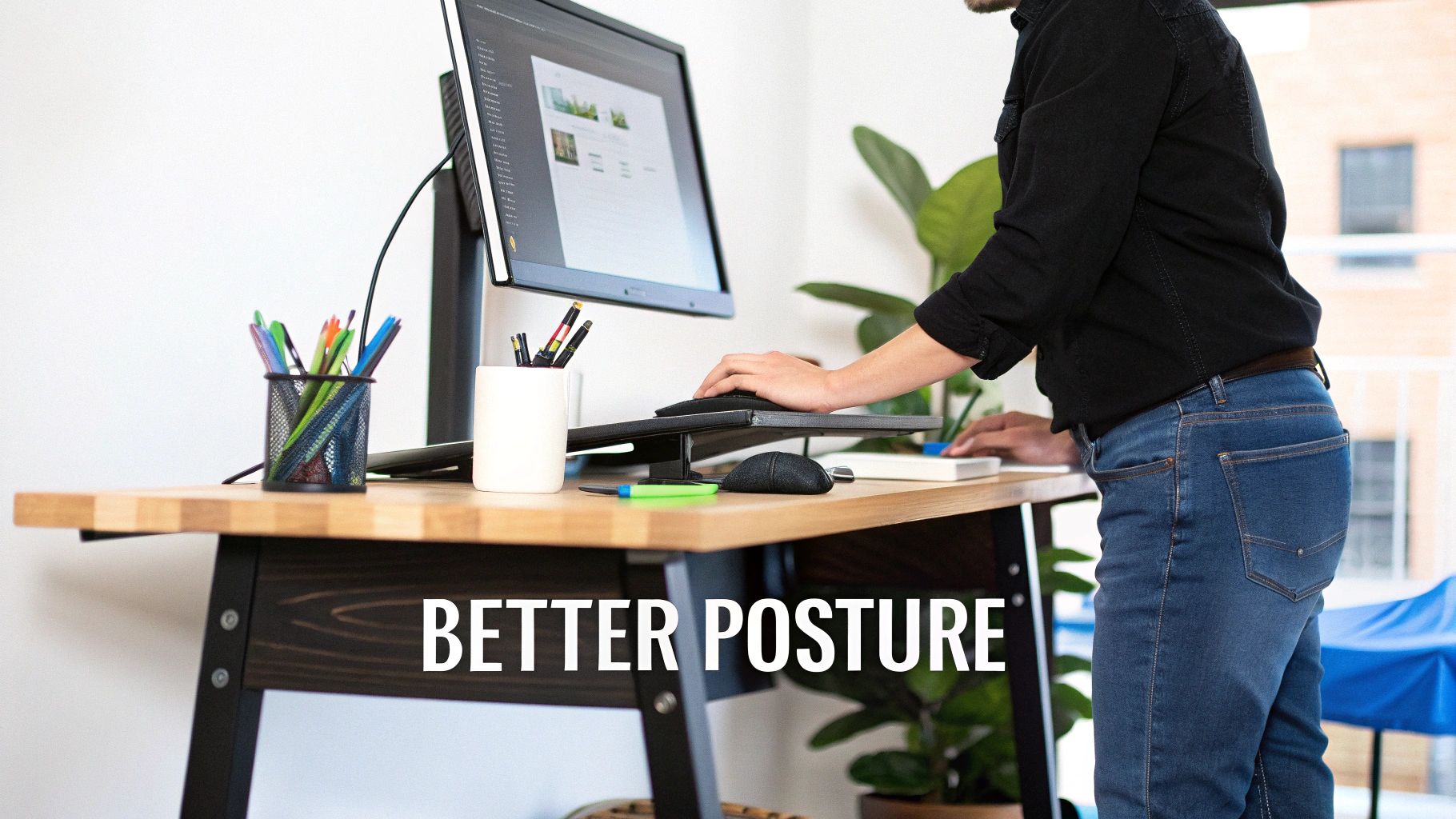
How to set it up
- Set the right height: Your desk should be at elbow height, so your forearms are parallel to the floor. Your monitor should be at eye level to keep your neck straight.
- Alternate positions: The goal is not to stand all day. Switch between sitting, standing and moving through the day.
- Wear supportive footwear: Flat, supportive shoes make standing more comfortable. Avoid high heels or shoes with no arch support.
- Use ergonomic accessories: Learn more about why an ergonomic setup matters.
Does a standing desk help back pain?
It can help some people, mostly because it makes it easy to change position instead of holding one posture for hours. It is not a treatment on its own: desk height, screen height and regular movement matter as much. Our guide on using a standing desk for back pain covers the setup step by step.
3. Focus, energy and work engagement
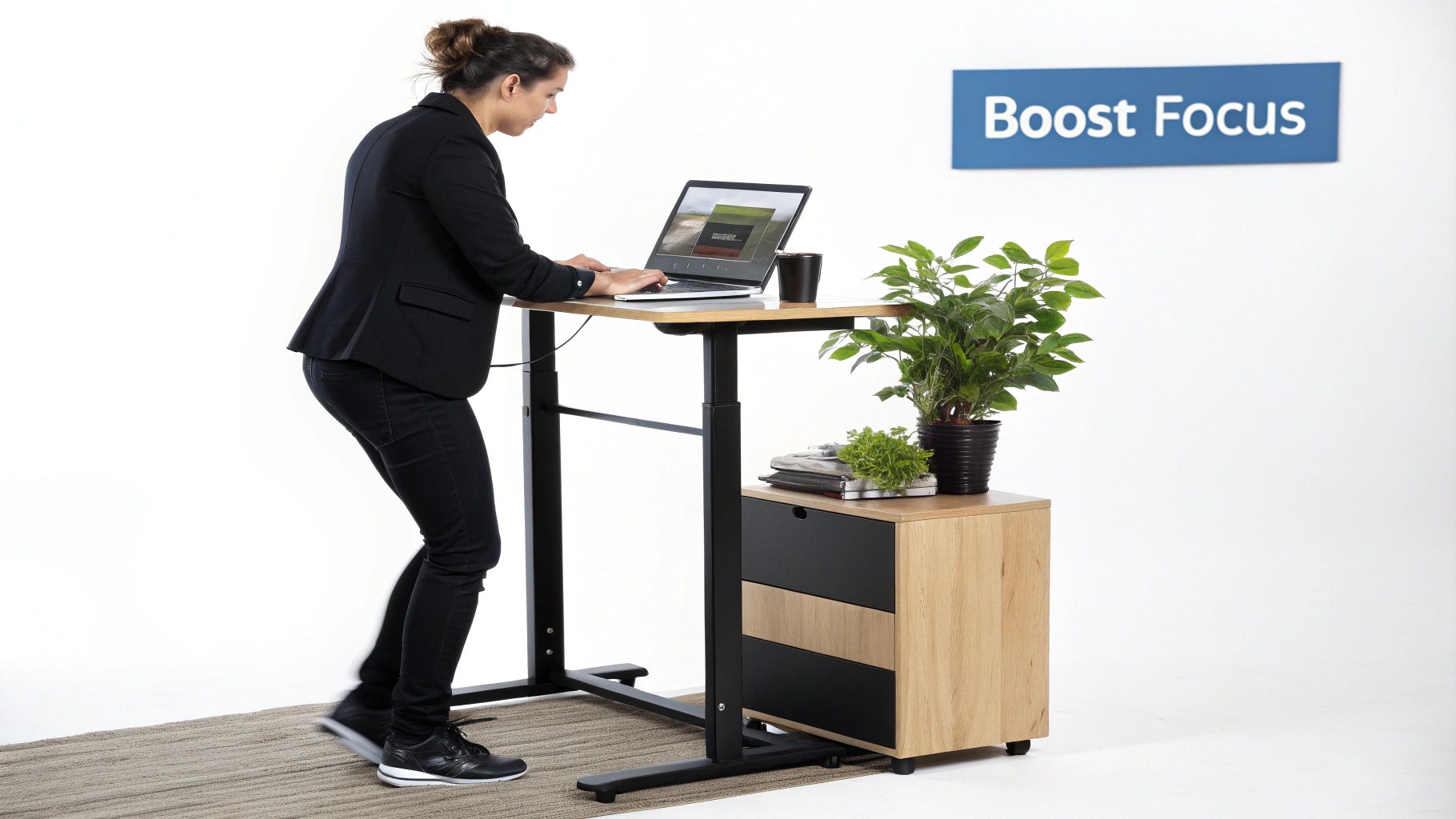
In the same BMJ trial, office workers with sit-stand desks reported better job performance and work engagement, less work fatigue and sickness presenteeism, and lower daily anxiety than the comparison group after a year (Edwardson et al., The BMJ, 2018).
To use standing for better focus, try these practices:
- Stand for active tasks: Use standing periods for calls, collaborative work or brainstorming.
- Sit for precision work: At first, you may find it easier to sit for tasks that need deep concentration or fine motor control, like detailed editing or data entry.
- Track your patterns: Notice when you feel most focused standing versus sitting, and find your own sit-stand rhythm.
- Schedule movement breaks: Even with a standing desk, move around. Set reminders to take short walks, stretch or change position.
The right tools help too: see the best standing desk accessories for productivity.
Downsides of standing desks
Standing still for long stretches tires the legs, feet and lower back, so trading a chair for all-day standing swaps one problem for another. A standing desk also costs more than a fixed desk, and it does nothing if it stays at one height.
- Stand on an anti-fatigue mat to cushion your feet and legs.
- Wear flat, supportive shoes when you stand.
- Switch between sitting and standing on a schedule, and set a reminder so the desk actually moves.
How long should you stand?
There is no single right number, and standing all day is not the goal: alternate sitting, standing and moving through the day. Our guide on how to use a standing desk explains the 20-8-2 pattern and how to build up to it.
Getting started
Set up the desk before you rely on it: work surface at elbow height, monitors at eye level, and feet supported on the floor or an anti-fatigue mat. Start with short standing periods and build up. If you feel tired, sit down; if you feel restless, stand up.
Mount-It! makes sit-stand desks and standing desk converters for every kind of workspace.